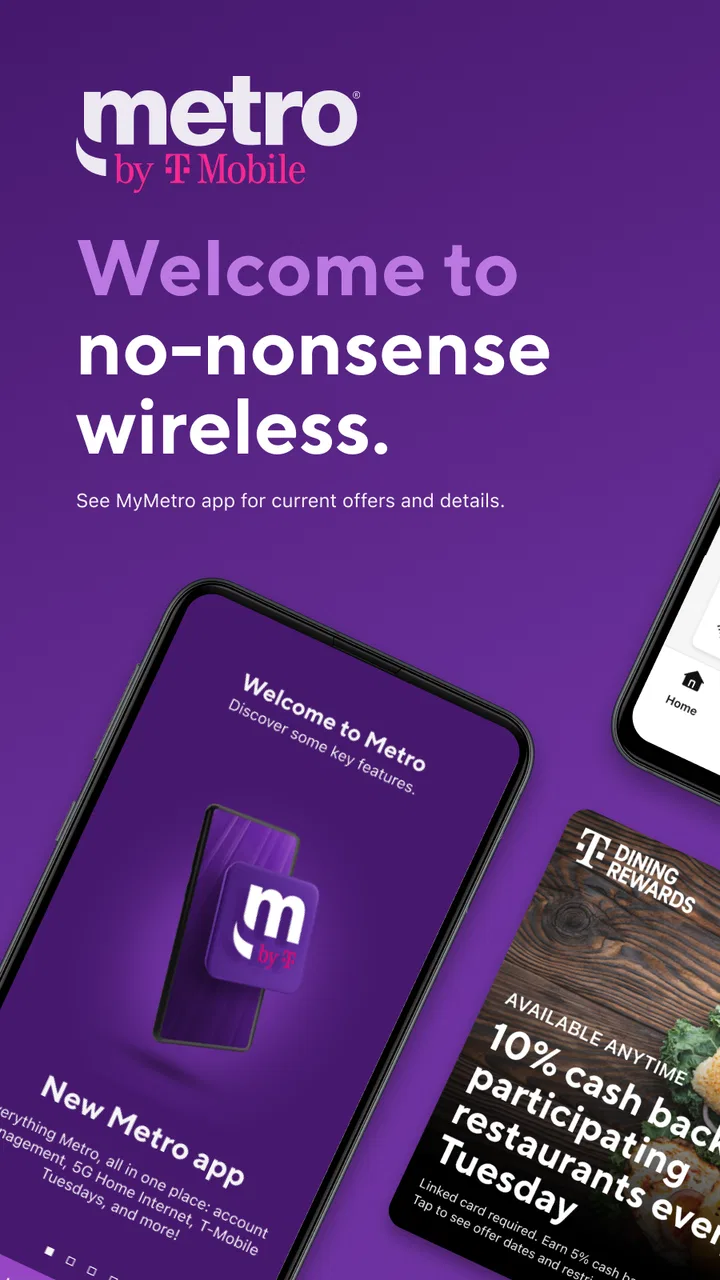
myMetro®
- 4.7
- Rating
- 100.00M
- Installs
- Free
- Price

 Analysis by App-foxy
Managing a wireless account is rarely the part of phone ownership anyone looks forward to, but it becomes much easier when the essential tasks are gathered in one place. That is the main reason I find myMetro® useful: it turns Metro by T-Mobile account management into something I can handle from my phone instead of searching through messages, opening a browser, or waiting until I am near a computer.
This is a free communication app from Metro by T-Mobile, aimed at people who already use the carrier’s service. It has a 4.7 average from around 567 thousand ratings and more than 100 million installs, so it is clearly a familiar tool for a large number of customers. The app is rated for Everyone, and its current version is 11.4.0 for devices running Android 11 or later.
Why account control from the phone matters
The strongest capability here is not entertainment or messaging; it is the direct handling of everyday wireless-service tasks. I can use the app as a mobile control point for my Metro account, which is particularly helpful when I need to check something quickly while away from home. The benefit is small in any single moment, but it adds up whenever I need to confirm account information or deal with service-related details.
You May Also Like

 Blood Strike: 2.5 Anniversary
Blood Strike’s Loadouts Turn Every Drop Into a Tactical Gamble
A close look at Blood Strike’s custom loadouts: how fast access to signature weapons reshapes its battle royale rhythm, rewards preparation, and narrows the gap between fights.

 Pandora - Music & Podcasts
Pandora’s Music Is Easy to Start, but Harder to Recover
Pandora’s strength is its low-effort path from a seed to a station. Its weak spot is how much confidence it asks you to place in connection, setup, and quiet recovery.

 8 Ball Pool
 Is Built on Rivalries, Rematches, and Routine
A close look at the rivalries, rematches, shared routines, and unanswered safety questions that turn a quick pool match into a persistent mobile community.

 Samsung Music
’s Quiet Strength Is Playing What You Already Own
Its reach comes less from spectacle than from dependable access to a personal library. That simplicity is both the app’s strongest retention engine and its ceiling.

 AccuWeather: Weather Radar
AccuWeather Review: A Quick, Clear Forecast for Everyday Decisions
For everyday plans, the best forecast is the one you can understand quickly. AccuWeather makes rain timing, radar, and local conditions easy to act on, with a few trade-offs.

 Hill Climb Racing
Why Hill Climb Racing Still Turns Crashes Into One More Run
A tiny car, a bumpy hill and one more upgrade: Hill Climb Racing keeps resurfacing because its simple chaos makes every near-miss feel personal.
More From Our News Desk
View All News


That focus also makes the app easier to understand than a general carrier portal. I do not expect it to replace my phone’s standard communication tools, and I would not install it as a standalone social or messaging application. Its value comes from being connected to Metro service. If I am a Metro customer, the app has a clear purpose; if I am not, there is little reason to keep it.
In my experience, the best way to think about it is as a remote counter for my wireless account. Instead of treating account management as an occasional chore that requires a separate device, I can begin with the phone already in my hand. The practical advantage is convenience at the exact moment a service question appears.
What the app changes in an ordinary week
Consider a simple situation: I am leaving for work and realize I want to review my wireless account before the next payment cycle. With a carrier website, I might need to remember a browser address, sign in, and navigate a desktop-oriented page. With myMetro®, I can open the dedicated app and start from the account-focused interface. That removes a few small barriers, and those are often the barriers that cause people to postpone routine account tasks.
The same pattern applies when I am helping a family member. A person who is comfortable using a phone but less comfortable with carrier websites may find an app more approachable. I can show them where to begin, let them use their own account, and avoid mixing wireless information with unrelated browser tabs. The app does not make every account issue disappear, but it gives basic self-service a more natural home.
There is also a useful distinction between checking an account and contacting support. For a quick look or a routine action, the app can be faster than starting a support conversation. For a complicated issue, however, I would not assume that an app alone is enough. Account tools are most effective when the problem is straightforward and the information I need is already available through self-service.
How I would use it without creating extra work
I would install it on the phone I use most often, then keep my sign-in details organized before an urgent situation arises. That matters because the app is most valuable when I need an answer quickly. If I wait until I am traveling, dealing with a service concern, or helping someone else, account access can become the slowest part of the process.
My first habit would be to open the app periodically rather than only when something goes wrong. A quick review helps me become familiar with its layout and makes it easier to find the relevant area later. This is a small but non-obvious advantage of a dedicated account app: learning the navigation during a calm moment can save more time than trying to understand it under pressure.
I would also use it as a first step, not as a promise that every issue can be solved there. If the matter concerns information or an action exposed in the account interface, self-service is sensible. If the issue involves an unusual account situation, a device problem, or something that needs human clarification, I would move to Metro’s support options rather than repeatedly searching through the app.
Another practical tip is to avoid judging the app by tasks it was never meant to handle. My phone’s built-in settings remain the right place for many device-level controls, while ordinary texting and calling belong to the phone’s communication tools. myMetro® is more focused: it connects me with my Metro service account. Keeping that boundary in mind makes the experience feel less limited and more purposeful.
The best everyday scenario
The clearest use case is a Metro customer who manages their own phone service and wants a simple way to stay on top of account responsibilities. Imagine someone who is about to travel, replace a phone, or help a relative understand their wireless service. They may not need a detailed technical dashboard; they need a familiar place to begin. The app gives them that starting point without requiring a separate computer.
It is especially convenient for people who handle several small tasks from their phones. If I already use my phone for banking, appointments, and other personal administration, placing wireless account management alongside those activities feels natural. I can deal with the account during a spare minute rather than reserving time for a larger maintenance session.
Families can also benefit, although the usefulness depends on who is responsible for the account. The person paying for or managing Metro service may appreciate having direct access, while another family member may only need occasional help. In that situation, I would avoid sharing account credentials casually. The convenience of mobile access should not lead to careless account handling.
For a customer who rarely changes anything and prefers visiting a store or speaking with support, the app may feel unnecessary. That is a fair trade-off. Its advantage is speed and independence, not personal guidance. Someone who values face-to-face assistance more than self-service may get more from Metro’s other support channels.
Where the experience can feel limited
The app’s narrow purpose is both its strength and its main limitation. Because it is built around Metro by T-Mobile service, it is not a flexible account manager for multiple carriers. I cannot treat it as a universal tool for every wireless line I own. If my household uses different providers, I would still need separate apps or websites.
I also would not choose it as my only source of help for difficult problems. A mobile interface can show account information and provide self-service routes, but it cannot replace a knowledgeable representative when the situation is complicated. If I am unsure what an account message means, or if an action does not produce the expected result, continuing to tap through screens may waste time. In those cases, direct support is the better option.
Another trade-off is that convenience depends on access to the phone and the account. If my device is unavailable, damaged, or unable to connect, the app is not a magic backup. I would still want to know how to reach Metro through another route. This is not a flaw unique to myMetro®, but it is important when an app becomes the main way I manage a service.
The minimum operating-system requirement also matters when deciding where to install it. The app requires Android 11 or later, so an older Android phone may not be suitable. That does not make the application demanding for modern devices, but it does mean I would check compatibility before planning to use an older spare phone for account access.
How it compares with a browser or a store visit
A browser-based carrier portal may be the better choice when I am already working on a laptop, need a larger view, or prefer not to install another app. Websites can also be convenient when I manage several accounts or want to keep account work separate from my phone. The app’s advantage is not that it makes the browser obsolete; it is that it reduces friction for phone-first customers.
A store visit has a different advantage: personal assistance. If I need someone to explain a complicated situation, inspect a device, or guide me through a change, an in-person conversation may be more reassuring. The downside is the time and effort involved. I would use myMetro® for routine account control and reserve a store visit for matters where human help adds real value.
Compared with general communication apps, the distinction is even clearer. Messaging services help me communicate with other people, while this app helps me manage the carrier relationship behind my phone service. Calling it a communication app is technically understandable, but I experience it more as a service-management companion than as a place to chat.
Who gets the most value from it
I would recommend it most strongly to Metro customers who prefer self-service, use their phones for personal administration, and want a direct route to their wireless account. It is also a sensible choice for people who frequently help relatives with account questions, provided each person keeps their account access secure and uses the app for the appropriate account.
It can be a good fit for someone who dislikes waiting for routine information. The app is not necessarily more powerful than every alternative, but its dedicated format can make ordinary tasks feel less scattered. That matters for users who would otherwise ignore a service question until it becomes urgent.
I would be less enthusiastic for someone who is not a Metro customer, manages service entirely through another person, or wants a single application for multiple carriers. I would also point cautious users toward a browser or direct support if they are uncomfortable managing account information on a phone. The right choice depends less on technical enthusiasm and more on how independently a person wants to handle wireless service.
My final view after using it
myMetro® succeeds because it stays close to one useful purpose: putting Metro account management within easy reach. I appreciate that focus, especially when I need to handle a routine service matter quickly and do not want to open a computer. The app is free, developed by Metro by T-Mobile, and its broad adoption suggests that this phone-first approach works for many customers.
Still, I would not describe it as a complete replacement for every carrier interaction. Its usefulness depends on having Metro service, a compatible device, and a situation that fits self-service. More complicated concerns may still call for support, and users who prefer personal assistance may find a store more comfortable.
My recommendation is straightforward: if Metro is your carrier and you want a convenient account doorway on your phone, this is worth trying. Set it up before you need it, learn where the important account areas are, and treat it as the first stop for routine matters rather than the only possible source of help. For the right user, its real strength is not adding more communication features; it is removing a little of the friction from managing wireless service.
FAQs for myMetro®
01What is myMetro® and what does it offer?
myMetro® is a mobile application designed to help users manage their Metro by T-Mobile accounts. It offers features like bill payment, data usage tracking, plan management, and customer support. The app aims to provide a seamless experience for users to stay informed and in control of their mobile plans.
02Is myMetro® secure for managing my account?
Yes, myMetro® is designed with security in mind. It uses encryption and secure login protocols to protect your personal and financial information. Regular updates and security patches help ensure that your data is safe. Always keep your app updated and use strong passwords for added security.
03Can I pay my bills through myMetro®?
Absolutely. myMetro® allows you to pay your bills directly from the app. It supports various payment methods, making it convenient to manage your financial transactions. You can also set up auto-pay to ensure you never miss a payment, further simplifying your account management.
04Does myMetro® provide customer support?
Yes, myMetro® offers integrated customer support options. You can access FAQs, troubleshoot issues, and contact customer service directly through the app. This feature ensures you get timely assistance for any queries or problems related to your Metro by T-Mobile account.
05Is myMetro® compatible with all devices?
myMetro® is available for both Android and iOS devices. However, compatibility may vary depending on your device's operating system version. It's recommended to check the app's requirements in the Google Play Store or Apple App Store to ensure it works smoothly on your specific device.
Pros
- User-friendly interface for easy navigation.
- Real-time data usage tracking.
- Customizable notifications for bills and data.
- Seamless account management features.
- Secure login with biometric authentication.
Cons
- Limited features without premium subscription.
- Occasional lag in loading account details.
- Requires stable internet for smooth operation.
- Notifications can be overly frequent.
- No offline access to account information.

myMetro®
Gallery